Plain CV template for online applications

A black-and-white CV with standard headings, no tables, columns, text boxes or images. Application systems can read it in order, and it is the easiest file to fill in from blank.

Plain design1 page
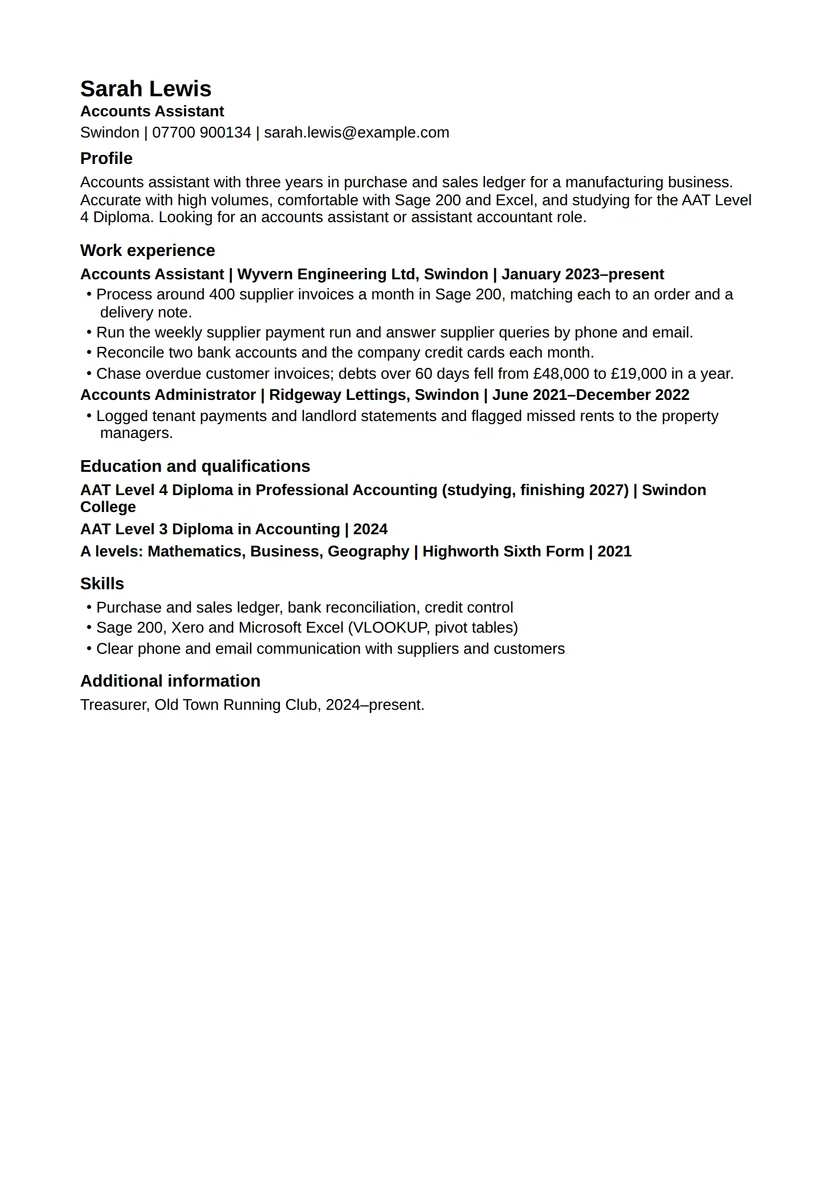
Plain CV template for online applications: fictional example in the Plain design, page 1. Full text is available below.
Read the example as text
Sarah Lewis
Accounts Assistant
Swindon · 07700 900134 · sarah.lewis@example.com

Profile

Accounts assistant with three years in purchase and sales ledger for a manufacturing business. Accurate with high volumes, comfortable with Sage 200 and Excel, and studying for the AAT Level 4 Diploma. Looking for an accounts assistant or assistant accountant role.

Work experience

Accounts Assistant | Wyvern Engineering Ltd, Swindon | January 2023–present

Process around 400 supplier invoices a month in Sage 200, matching each to an order and a delivery note.

Run the weekly supplier payment run and answer supplier queries by phone and email.

Reconcile two bank accounts and the company credit cards each month.

Chase overdue customer invoices; debts over 60 days fell from £48,000 to £19,000 in a year.

Accounts Administrator | Ridgeway Lettings, Swindon | June 2021–December 2022

Logged tenant payments and landlord statements and flagged missed rents to the property managers.

Education and qualifications

AAT Level 4 Diploma in Professional Accounting (studying, finishing 2027) | Swindon College

AAT Level 3 Diploma in Accounting | 2024

A levels: Mathematics, Business, Geography | Highworth Sixth Form | 2021

Skills

Purchase and sales ledger, bank reconciliation, credit control

Sage 200, Xero and Microsoft Excel (VLOOKUP, pivot tables)

Clear phone and email communication with suppliers and customers

Additional information

Treasurer, Old Town Running Club, 2024–present.

Fictional example for an accounts assistant. Every person and employer in it is invented; replace every detail with your own. Select the page to open it full size.

Before you use it

Plain is the safest file for online portals and the easiest to complete from blank, but it is the least decorative. If you are emailing a CV to a person, Classic or Professional reads just as clearly and looks more finished.

Inside this example
  • Profile: 41 words here
  • Work experience: 99 words here
  • Education and qualifications: 32 words here
  • Skills: 29 words here
  • Additional information: 6 words here

How to use this template

01

Use the headings portals expect

Profile, Work experience, Education and Skills are the names application systems look for. Creative headings such as "My journey" can leave a section unread.

02

Match the advert's words where they are true

If the advert says "purchase ledger" and you did it, write "purchase ledger", not only "accounts payable". Use the tailoring tool to compare an advert with your CV.

03

Keep dates in one format

Month and year, with an en dash, in every entry. Consistent dates are easy for a person to scan and for a system to read.

04

Upload the format they ask for

Most portals take Word or PDF. If the portal says Word, upload the .docx; if it asks you to paste text, paste from this file, because it has no layout to lose.

If the employer asks for a particular file type, a page limit or an application form, do what they ask, even where this page suggests otherwise. CV format and file types explains the choices.