
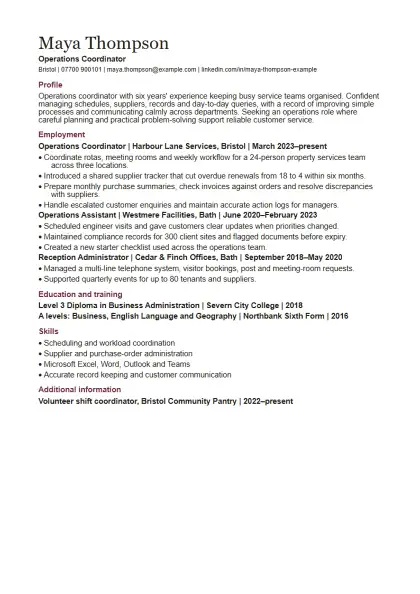
Chronological CV template
Relevant work history with clear recent progression
DOCX · 38 KB · 1 reference page
Download Word CVDownload an editable DOCX and replace the fictional example with your own evidence. No account or payment is needed here.
Relevant work history with clear recent progression
DOCX · 38 KB · 1 reference page
Download Word CV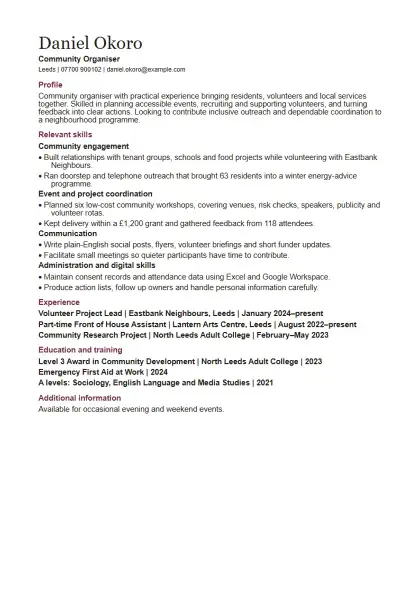
Skills built across work, study, caring or volunteering
DOCX · 38 KB · 1 reference page
Download Word CV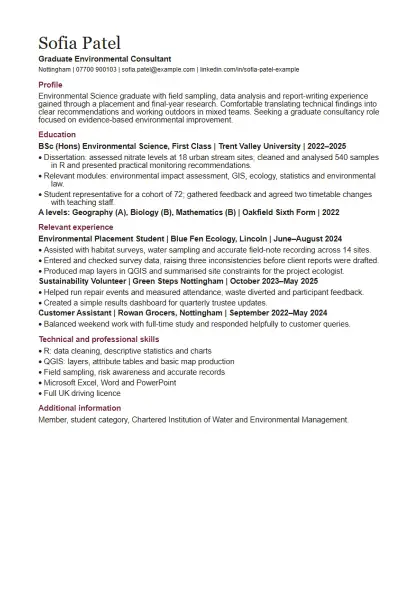
A recent graduate using degree work, placements and projects
DOCX · 38 KB · 1 reference page
Download Word CV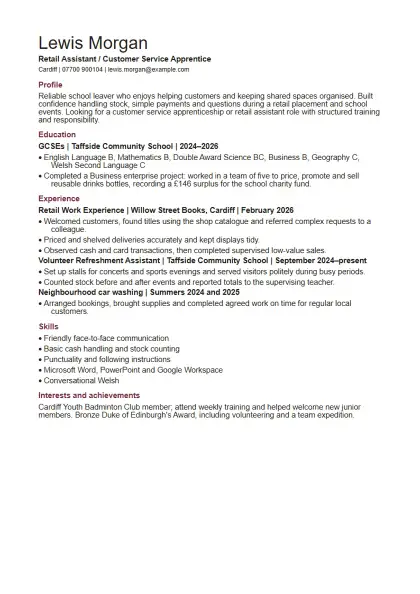
A first job or apprenticeship using education and activities
DOCX · 38 KB · 1 reference page
Download Word CV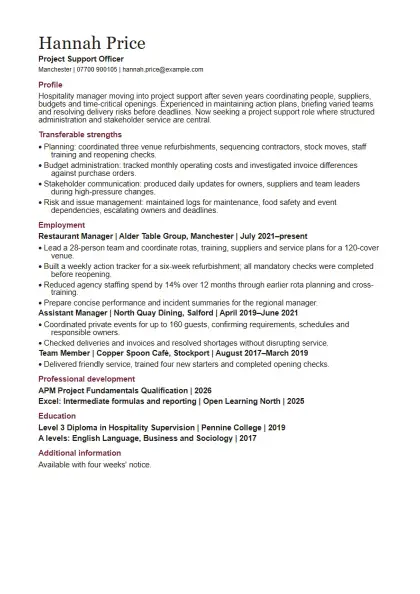
A new direction backed by transferable experience
DOCX · 38 KB · 1 reference page
Download Word CV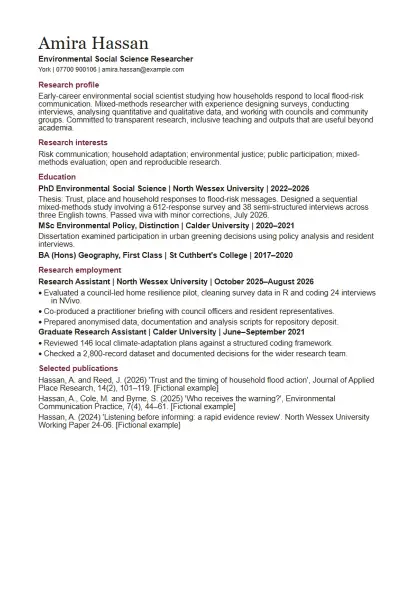
Research or teaching roles with publications and outputs
DOCX · 39 KB · 2 reference pages
Download Word CV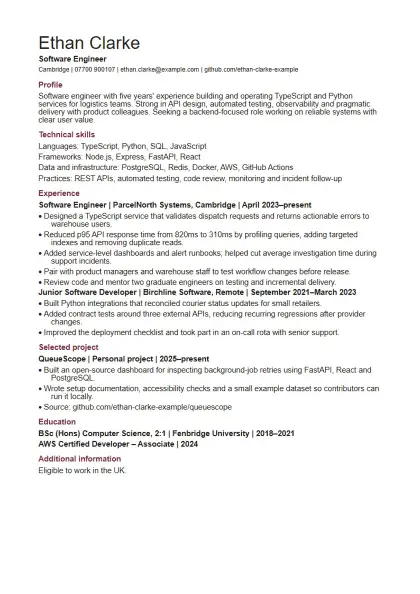
Technical roles where projects and measurable results matter
DOCX · 38 KB · 1 reference page
Download Word CV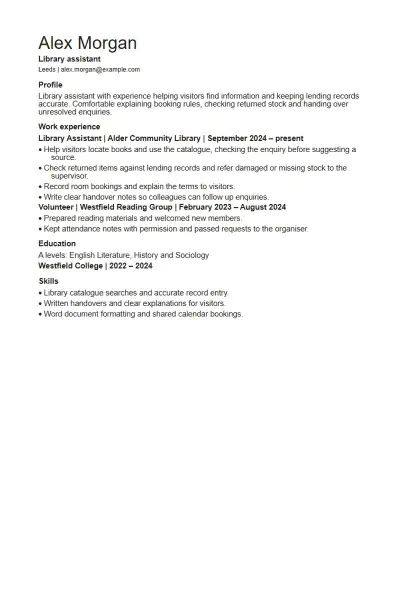
A short CV with straightforward evidence
DOCX · 37 KB · 1 reference page
Download Word CV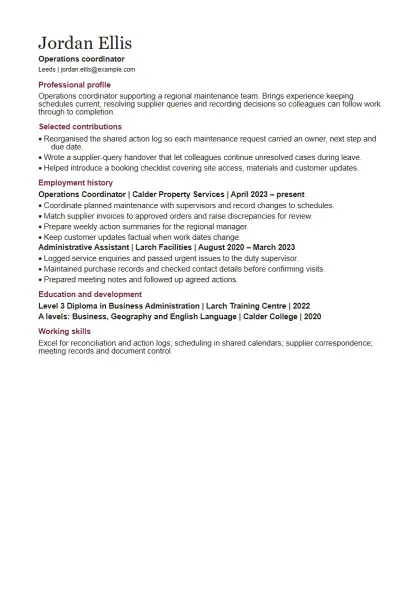
Established experience with selected achievements
DOCX · 37 KB · 1 reference page
Download Word CVThe page count describes the reference PDF, not a promise about pagination in Word or Google Docs. Fonts, software and your edits can change where lines and pages break.
For your own Drive account, follow the Google Docs upload and export steps. Use the format checklist for page breaks, links and selectable text.