Blank Classic CV
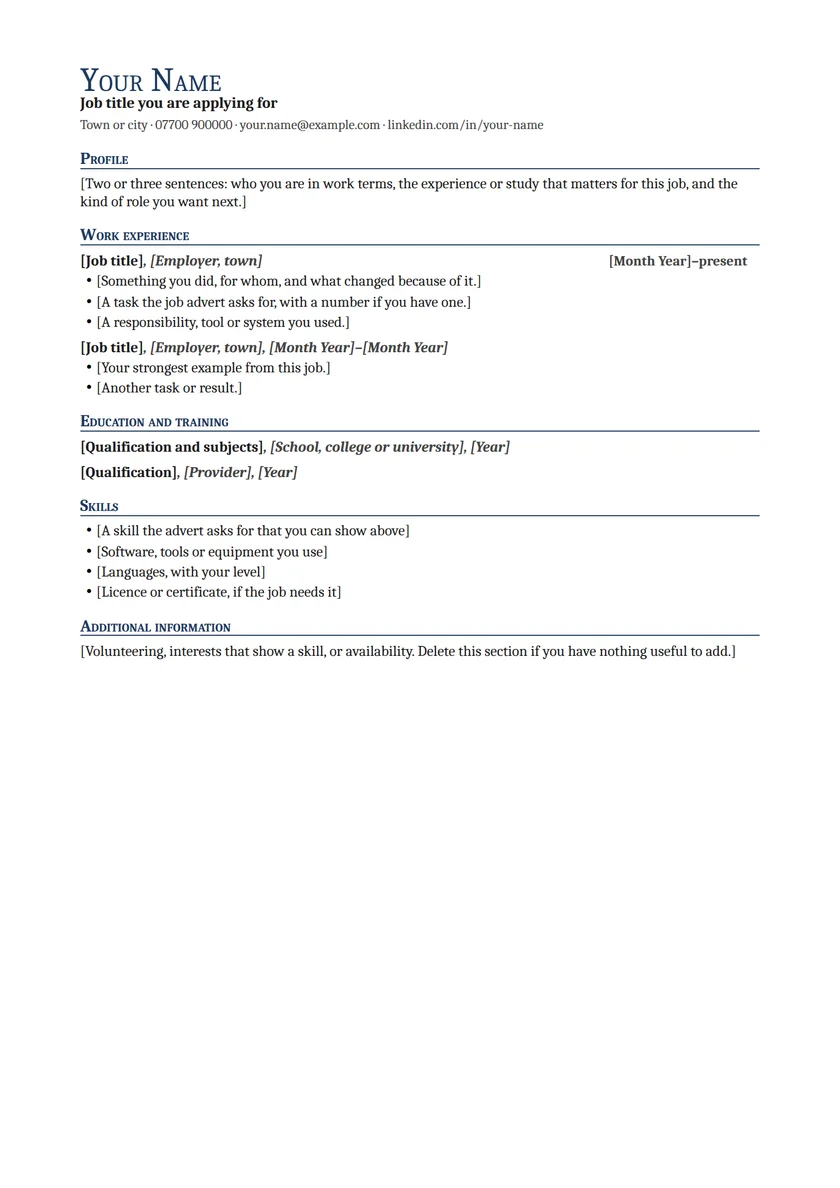
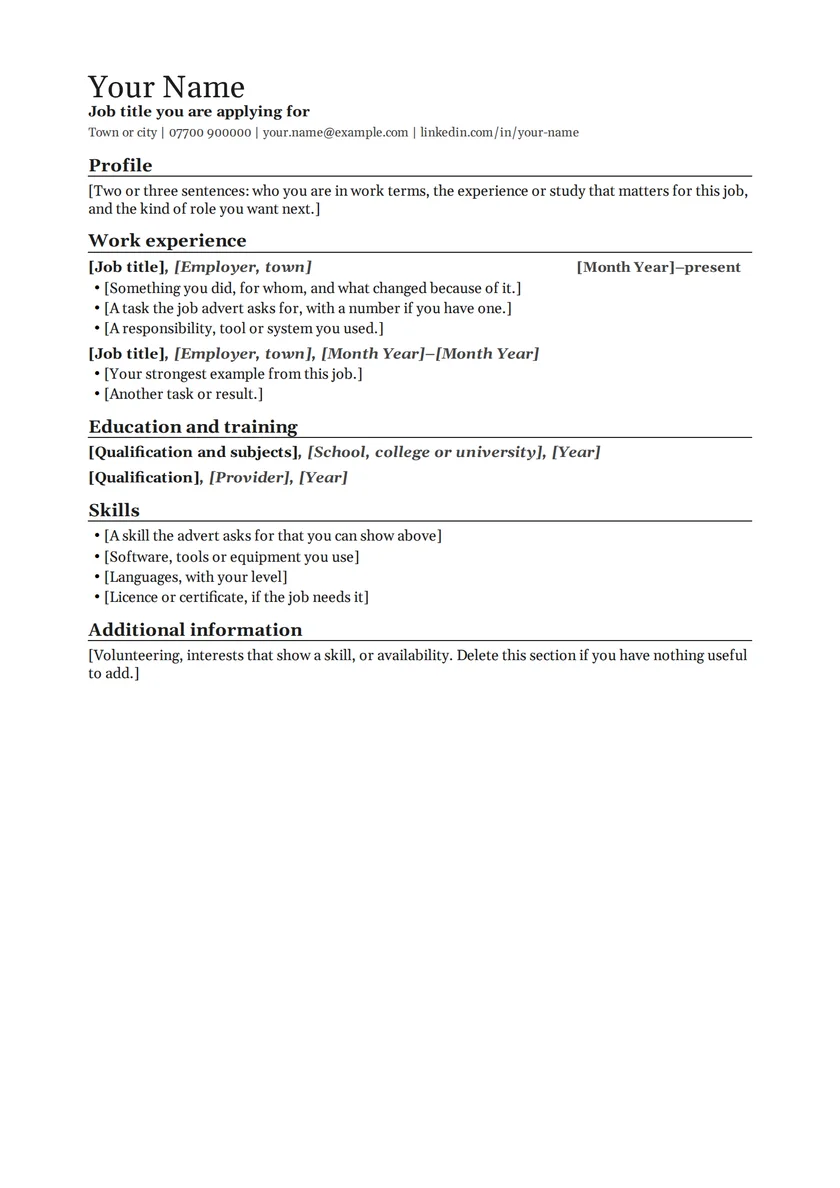
Most UK jobs: a serif name, clear section labels and one column a recruiter reads top to bottom.
Every design as a blank Word file with the usual UK headings and a short prompt in each place, so you know what goes where. Replace the brackets, delete what you do not need.
Most UK jobs: a serif name, clear section labels and one column a recruiter reads top to bottom.
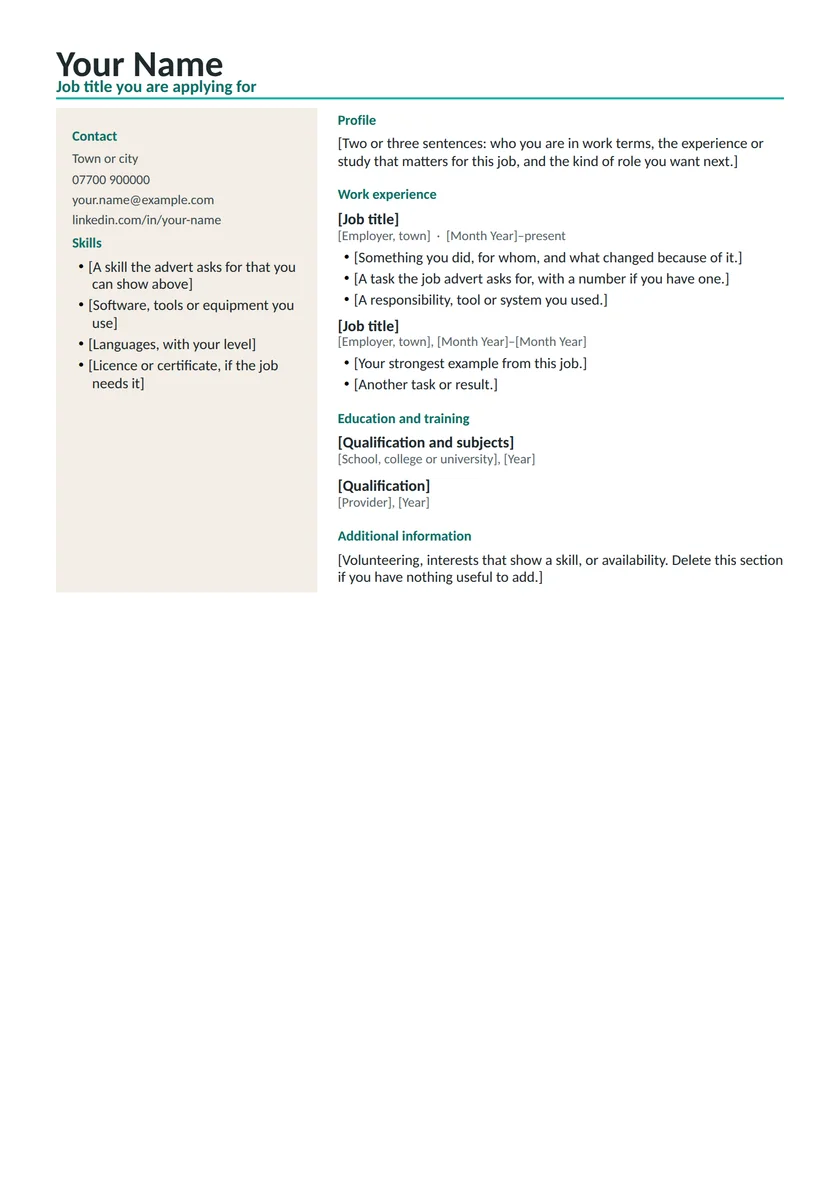
Office, technical, graduate and creative-adjacent roles where a side column for contact, skills and tools saves space.
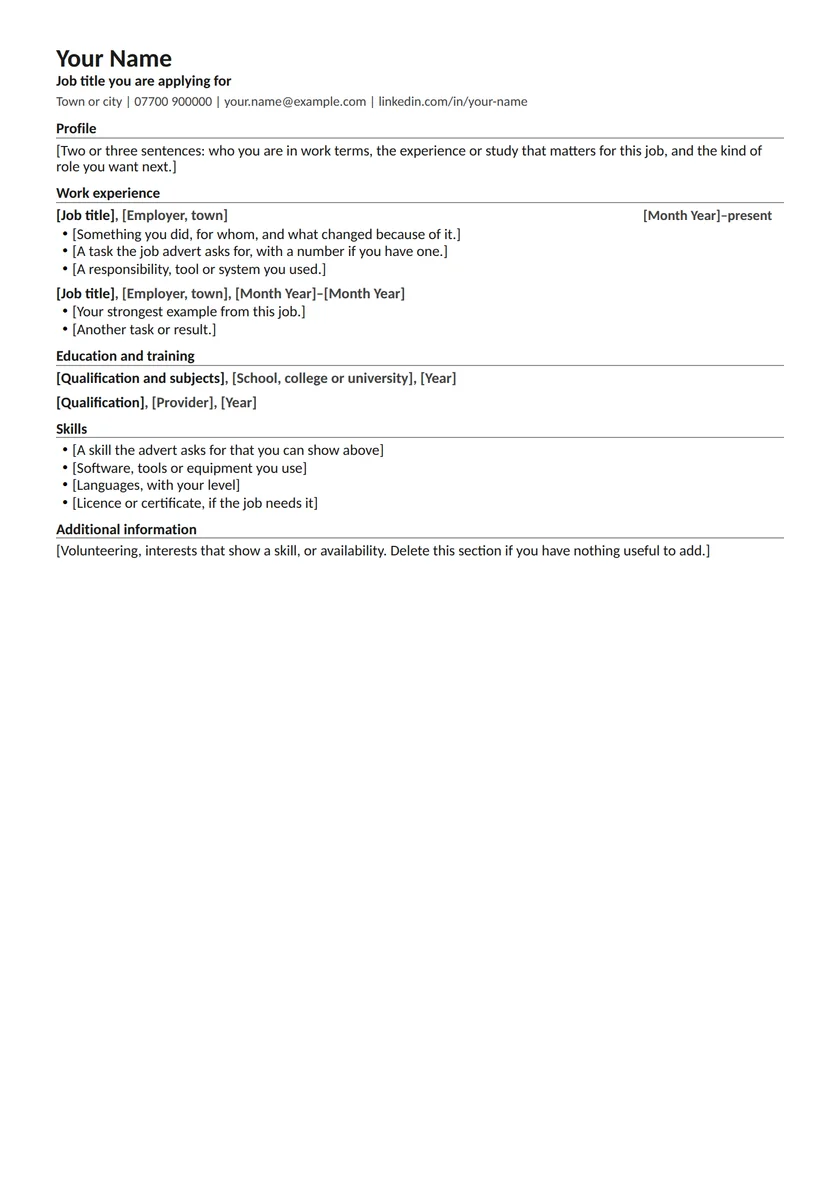
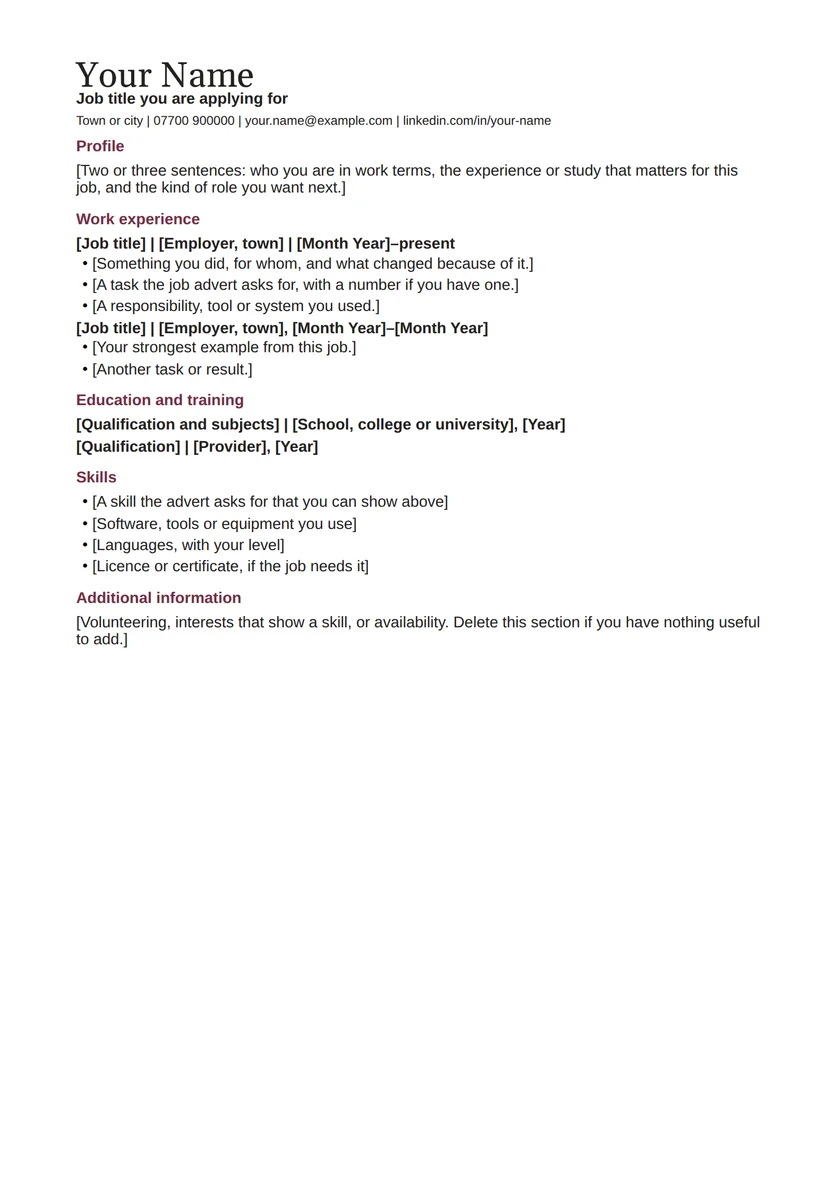
Any job where a calm page with wide margins and no colour suits the employer, from libraries to finance.
Management, finance, public sector and client-facing roles that expect a formal page.
Long work histories that must fit one page: retail, warehouse, hospitality and trade jobs with many roles.
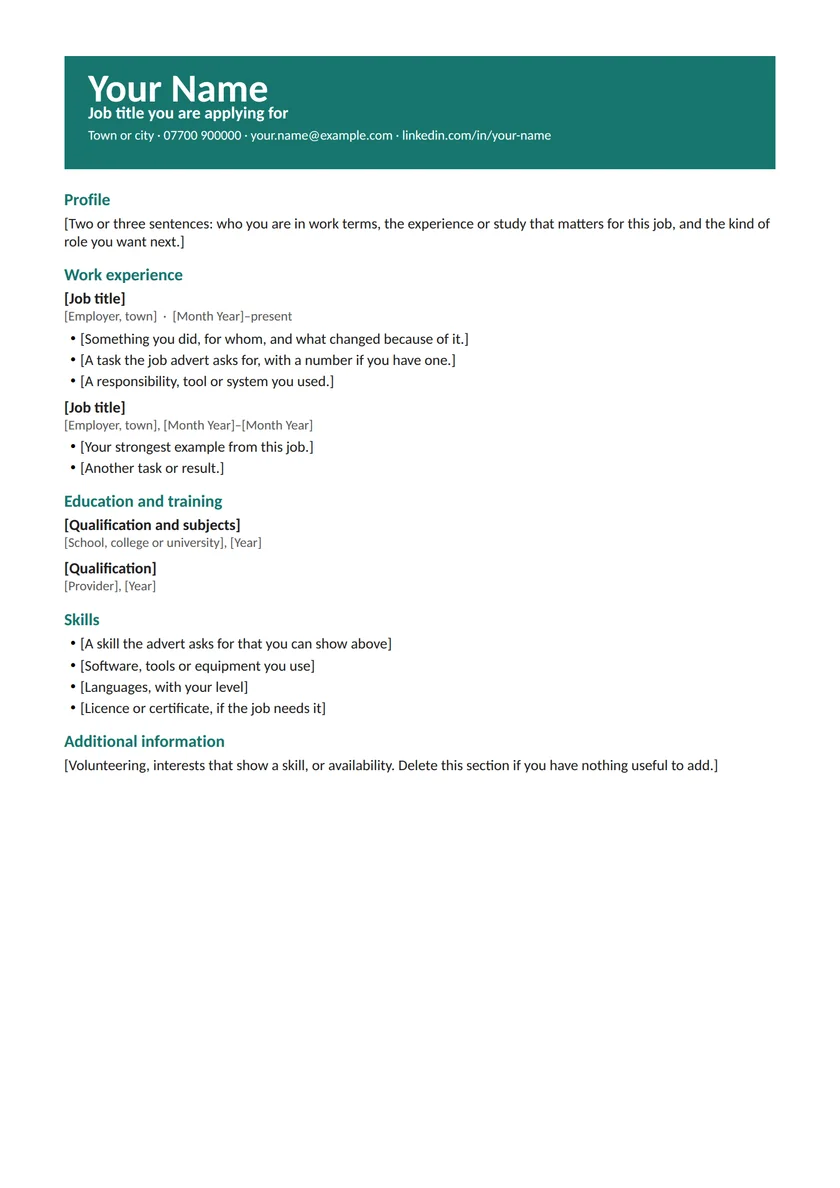
Marketing, design, events and hospitality, where a coloured header shows some personality.
Research, lecturing and PhD applications that need publications, teaching and grants on two or more pages.
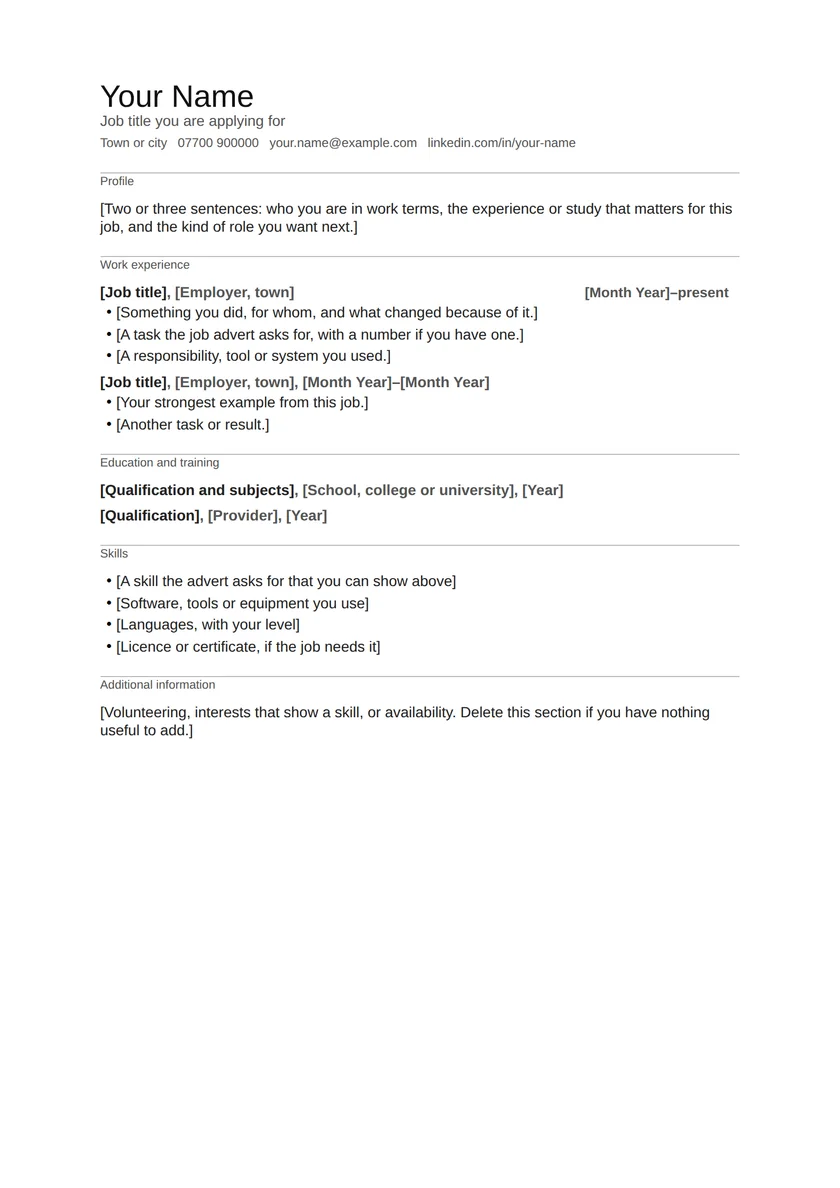
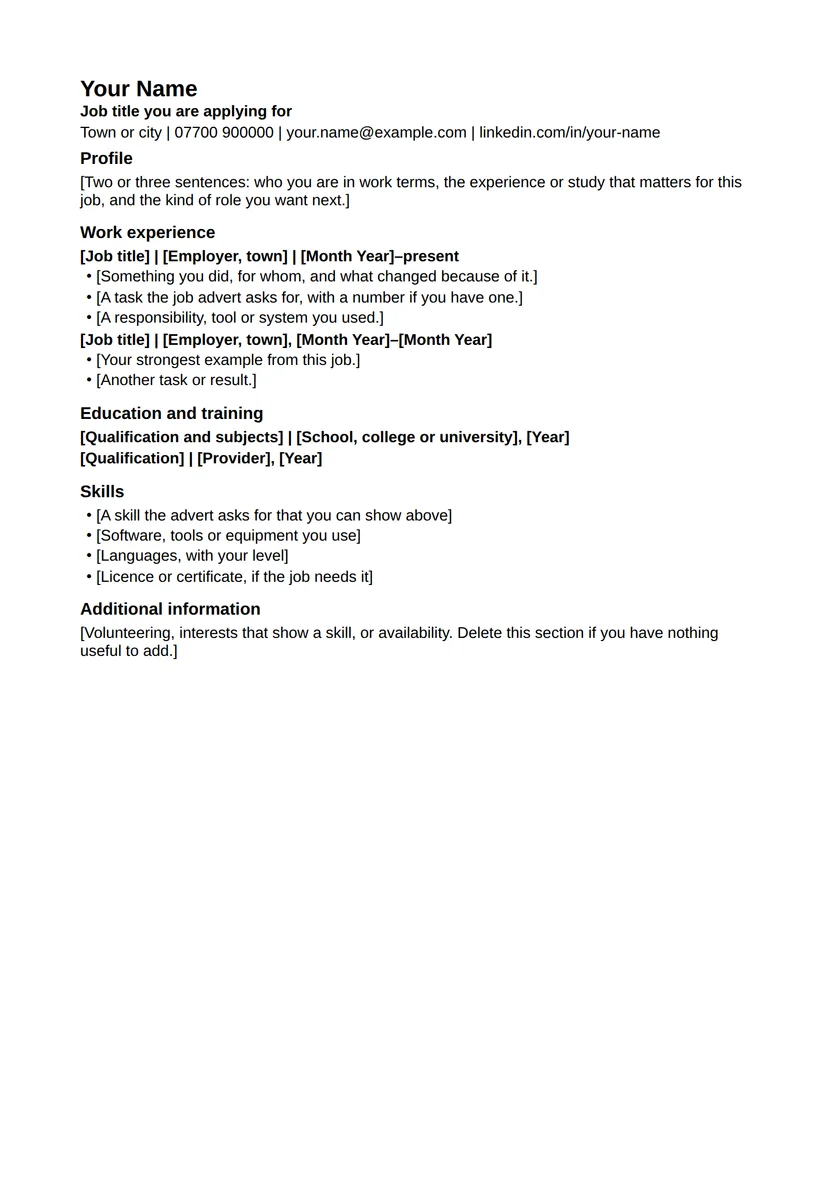
Online application portals, parsers and anyone who wants a blank CV with nothing to fight: black text, no tables or columns.
Each file has the same five sections, in the order most UK employers expect. The prompts say what to write; the CV writing guide explains each one in more detail.
Prefer not to start from nothing? Every design also has a complete fictional example, and the CV builder lets you start from one, swap the design and download Word, without an account.
For an online application portal, choose Plain: black text, no tables or columns. For an email or a printed CV, Classic, Minimal and Professional read well in any sector. Modern and Creative add colour and, for Modern, a side column; keep a Plain copy for portals.