
Professional CV template
A structured CV with a serif name, burgundy headings and selected contributions before the dated history. Use it to make substantial relevant work easy to find.
Use this template →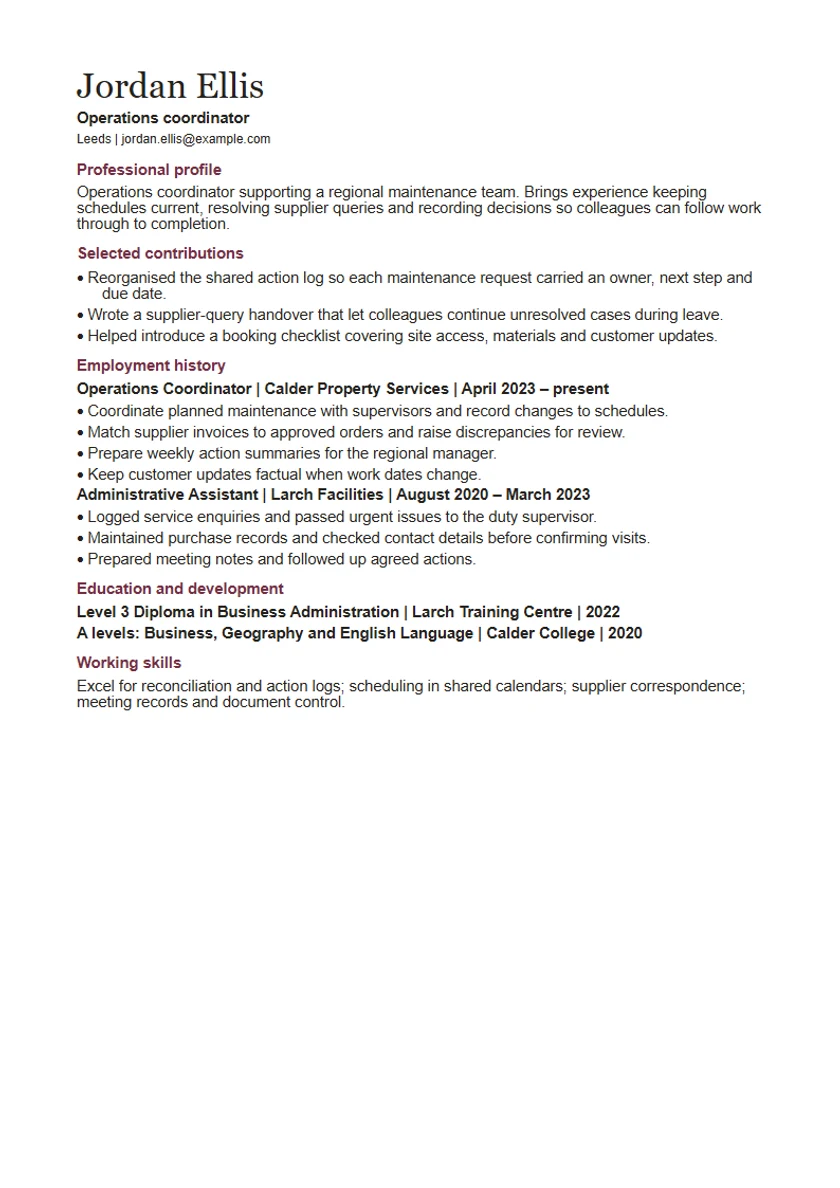
Read the example as text
Professional profile
Operations coordinator supporting a regional maintenance team. Brings experience keeping schedules current, resolving supplier queries and recording decisions so colleagues can follow work through to completion.
Selected contributions
Reorganised the shared action log so each maintenance request carried an owner, next step and due date.
Wrote a supplier-query handover that let colleagues continue unresolved cases during leave.
Helped introduce a booking checklist covering site access, materials and customer updates.
Employment history
Operations Coordinator | Calder Property Services | April 2023 – present
Coordinate planned maintenance with supervisors and record changes to schedules.
Match supplier invoices to approved orders and raise discrepancies for review.
Prepare weekly action summaries for the regional manager.
Keep customer updates factual when work dates change.
Administrative Assistant | Larch Facilities | August 2020 – March 2023
Logged service enquiries and passed urgent issues to the duty supervisor.
Maintained purchase records and checked contact details before confirming visits.
Prepared meeting notes and followed up agreed actions.
Education and development
Level 3 Diploma in Business Administration | Larch Training Centre | 2022
A levels: Business, Geography and English Language | Calder College | 2020
Working skills
Excel for reconciliation and action logs; scheduling in shared calendars; supplier correspondence; meeting records and document control.
Fictional example for an operations coordinator. Replace every detail with your own. The PDF shows the download layout.
How to use this template
Choose contributions that add detail
Use the opening contributions to show work the employer asked for. Avoid repeating the same sentences in the work history.
Keep dates easy to find
Retain recognisable job titles, employer names and dates even when an achievement appears earlier on the page.
Make the hierarchy work for you
The serif name and burgundy section headings separate identity, selected evidence and history without adding a second reading column.
Remove weak highlights
If your strongest evidence fits neatly into one recent job, the chronological template may be more direct. Do not create achievements to fill a heading.